

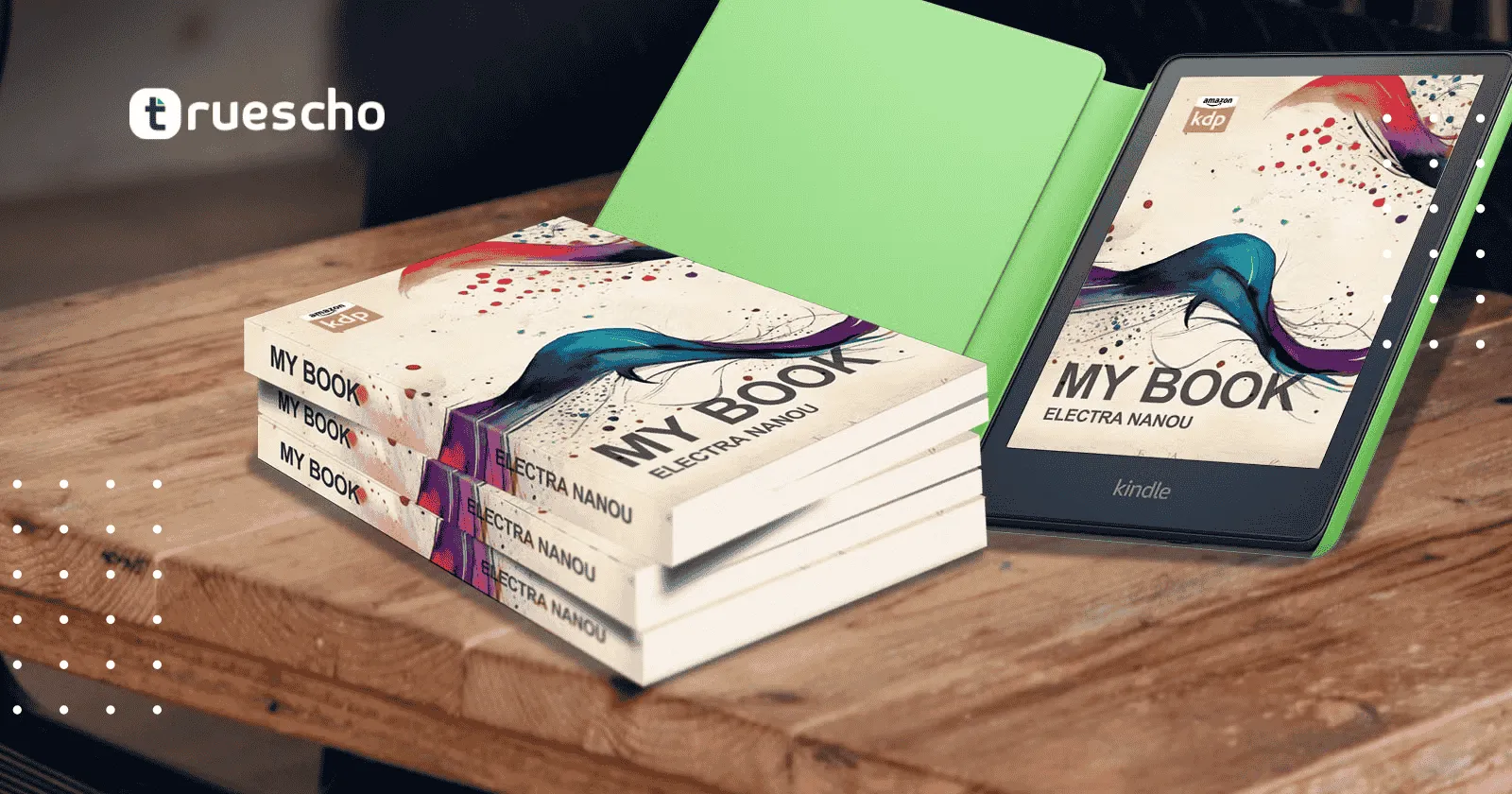
Letter Tracing Book KDP: 3-Step Guide to Amazon Profits
Table of Contents
- Step 1: Designing the Interior with Canva
- Setting Up Your Canvas
- Setting the Margins Using KDP Guidelines
- Creating the Letter Tracing Layout
- Step 2: Designing Your Book Cover
- Downloading the KDP Template
- Creating the Cover on Canva
- Step 3: Publishing Your Letter Tracing Book on Amazon KDP
- Preparing Your Files
- Uploading to Amazon KDP
- Optimizing Your Book for Profits
- Additional Resources and Final Thoughts
- Conclusion
Step 1: Designing the Interior with Canva
The first step in creating your letter tracing book KDP is to design the interior pages. Canva, a powerful online designer, offers free tools to help you create page layouts and tracing templates that are visually clear and functional.
Setting Up Your Canvas
Begin by visiting the official Canva website at www.canva.com and signing up for a free account if you have not done so already. Once signed in:
- Click on “Create a design” and choose the “Custom Size” option.
- Set the dimensions to 8.5 inches by 11 inches – the standard size for many educational or tracing workbooks.
- Ensure that your ruler is visible by pressing Shift + R if it does not automatically display.
With your canvas open, the next crucial step is to establish your page margins correctly.
Read also:
amazon kdp strategies for success
Setting the Margins Using KDP Guidelines
Proper margin settings are essential to ensure that no important content is trimmed during printing. For guidance on setting trim size, bleed, and margins, you should refer to the official Amazon KDP resource page at KDP Margin Guidelines. According to the guidelines for books between 24 and 150 pages:
- Inside gutter margin: 0.375 inches
- Outside margin with bleed: 0.375 inches
On Canva, create margin lines using available shapes (e.g., squares or rectangles) and adjust the rulers to approximately 0.375 inches from the page edges. These margin markers will help keep your text and design elements within safe printing boundaries.
Creating the Letter Tracing Layout
Now that your margins are set, proceed with designing the tracing layout itself. Here’s how:
- Insert two text boxes near the left side of your canvas. One will display the uppercase letter (e.g., “A”) and the other the lowercase letter (e.g., “a”). Choose a legible font such as Canva Student Font or other reader-friendly fonts available on Canva.
- Adjust the letter spacing to bring the characters closer together. A suggested starting point is a negative value (e.g., -70), which helps align the letters neatly.
- Use Canva’s Elements feature and search for “Arrow lines” to add directional arrows next to each letter. Arrows visually guide users on how to trace the letters correctly.
- Enhance your layout by incorporating additional text elements that denote step-by-step instructions (e.g., “Step 1: Write A”, “Step 2: Trace a”). Formatting such as numbering provides clarity to the user.
Tip: Lock your design elements once they are perfectly aligned. In Canva, locking features prevent accidental movement, saving you time when duplicating pages.
Finally, to complete the interior page design, add decorative illustrations related to the letter you are teaching—such as an apple for the letter A—to make the page engaging, especially for young learners.
Step 2: Designing Your Book Cover
After completing the interior design, the next major task is to create an eye-catching and professional book cover. The cover is your first opportunity to attract buyers on Amazon KDP. Here is how you can design the cover:
Downloading the KDP Template
Amazon provides official templates that help you align your cover design with KDP’s specifications. To access these resources:
- Visit the KDP Cover Template Generator – an official resource that helps calculate the overall dimensions, bleed, and trim areas for your cover.
- Enter your book’s interior details (e.g., 8.5 x 11 inches and 100 pages). Download the PNG template to ensure your cover design stays within Amazon’s required guidelines.
Read also:
Amazon KDP vs. Selling on Your Website: 5 Myths Busted
Creating the Cover on Canva
Return to Canva and click on “Create a design” with custom dimensions. Use the dimensions provided by the KDP template (for example, 17.47 inches by 11.25 inches) to set up your cover’s workspace.
- Upload the PNG template you downloaded from KDP to Canva. Align it with your design; consider reducing the transparency of the template so you can see it as a guideline while designing.
- Design your background using themed elements. For example, if your book is a letter tracing workbook for the letter A, incorporate subtle images like a sandy beach or trees, depending on your motif. You may search for free high-quality images on Canva.
- Add your book title, such as “100 Days Letter Tracing Workbook.” Customize text size, choose impactful fonts like Impact Font, and apply shadow or outline effects to make your cover pop.
- Include additional design elements such as frames or borders. Use Canva’s shapes and effects features to create visible sections that highlight both the front cover and back interior showcases.
Tip: Ensure that no important design elements or text fall into the area that will be trimmed. Refer back to the KDP guidelines and template markers for bleed and trim.
Step 3: Publishing Your Letter Tracing Book on Amazon KDP
With your interior pages and cover design complete, it’s time to upload your book to Amazon KDP and start earning revenue from your creation. Follow these steps for a smooth publishing process:
Preparing Your Files
Make sure to download two separate files from Canva:
- The interior file as a PDF Print (preferably in CMYK if you have access to Canva Pro; otherwise, RGB is acceptable).
- The cover file as a PDF Print.
Double-check each file to ensure that all texts and images adhere to your established margins and that no text appears within the bleed area.

Uploading to Amazon KDP
- Log into your Amazon KDP account at kdp.amazon.com.
- Navigate to your Bookshelf and click “Create a New Title.”
- Enter your book details (title, author, description, etc.). Ensure that the title clearly reflects the book’s function as a letter tracing workbook.
- Select “Paperback” as your binding type and specify your interior’s dimensions (8.5 x 11 inches). Choose a white paper option for black & white printing.
- Upload your interior and cover PDFs when prompted.
- Preview your book using Amazon’s preview tool to confirm that everything is aligned correctly.
Once all details are correctly entered, submit your book for review. The review process may take a few days, after which your book will become available on Amazon.
Tip: Always double-check your proofs. Many common pitfalls in self-publishing include misaligned margins and clipped images due to bleed errors.
Read also:
Optimizing Your Book for Profits
Creating a visually appealing and error-free book is just the beginning. To ensure that your letter tracing book KDP is profitable on Amazon, consider the following tips:
- Research Competitors: Browse existing letter tracing books on Amazon to understand market trends, pricing strategies, and presentation styles.
- Optimize Your Keywords & Description: Use both primary keywords such as “letter tracing book KDP” and secondary terms like “Amazon KDP” in your book title and description. This will help improve search visibility.
- High-Quality Interior: Even if your book primarily consists of tracing lines and letters, maintaining a professional layout and clear instructions will result in better reviews and higher sales.
- Advertise Your Book: Consider running Amazon Ads or cross-promoting on social media platforms. Small investments in advertising can yield significant returns.
- Request Reviews: Encourage readers and buyers to leave genuine reviews. Social proof plays a critical role in influencing future purchases.
Remember that a well-designed product combined with smart marketing strategies will help you stand out in a competitive marketplace. Even if you are working on a tight budget, the steps outlined above ensure that generating a profitable income from your letter tracing book KDP is well within reach.
Additional Resources and Final Thoughts
For more detailed guidelines on publishing and design elements, check out the following official resources:
With the rising popularity of low-content and educational workbooks, creating a letter tracing book KDP following our step-by-step guide could be a highly lucrative venture. Not only does this format allow for quick creation, but it also leverages the vast marketplace that is Amazon KDP. Whether you choose to invest time in learning the nuances of Canva or delegate some tasks to professional services available on platforms like Fiverr, the key is to maintain quality and attention to detail.
As you put these strategies into practice, continue refining your designs and marketing approach based on feedback and sales data. Experiment with multiple pages per letter if you want to extend your book’s content, providing more value and flexibility for your readers.
In summary, by following this 3-step guide – designing the interior, crafting a compelling book cover, and publishing on Amazon KDP – you can quickly enter a profitable niche in the low-content publishing market. Engage with your creativity while staying true to best practices in design and publishing to maximize your profits.
Conclusion
Creating a letter tracing book KDP is an accessible and lucrative project for budding authors and experienced publishers alike. Our guide has walked you through the process from setting up your design in Canva to uploading your finished product on Amazon KDP, ensuring every detail is taken care of—from proper margin settings to professional cover design.
By implementing these techniques and leveraging the official tools provided by Amazon and Canva, you’re well on your way to generating a steady revenue stream without the need for extensive time commitments. With attention to detail, continuous refinement, and effective marketing, your first letter tracing book could be the start of a profitable publishing journey on Amazon.
Thank you for reading our comprehensive guide. We hope you found actionable tips and inspiration to kickstart your profitable journey on Amazon KDP.
Read also:




I think the admin of this website is truly working hard in favor of his website, as here every stuff is quality based
information.