Create Europass CV: Your Step-by-Step Guide for 2025
Planning to study, work, or volunteer in Europe? Learning how to Create Europass CV is your first essential step for 2025. This standardized format is widely recognized across the continent. This guide provides a comprehensive walkthrough, ensuring your application stands out to European employers and institutions.
Table of Contents
What is a Europass CV?
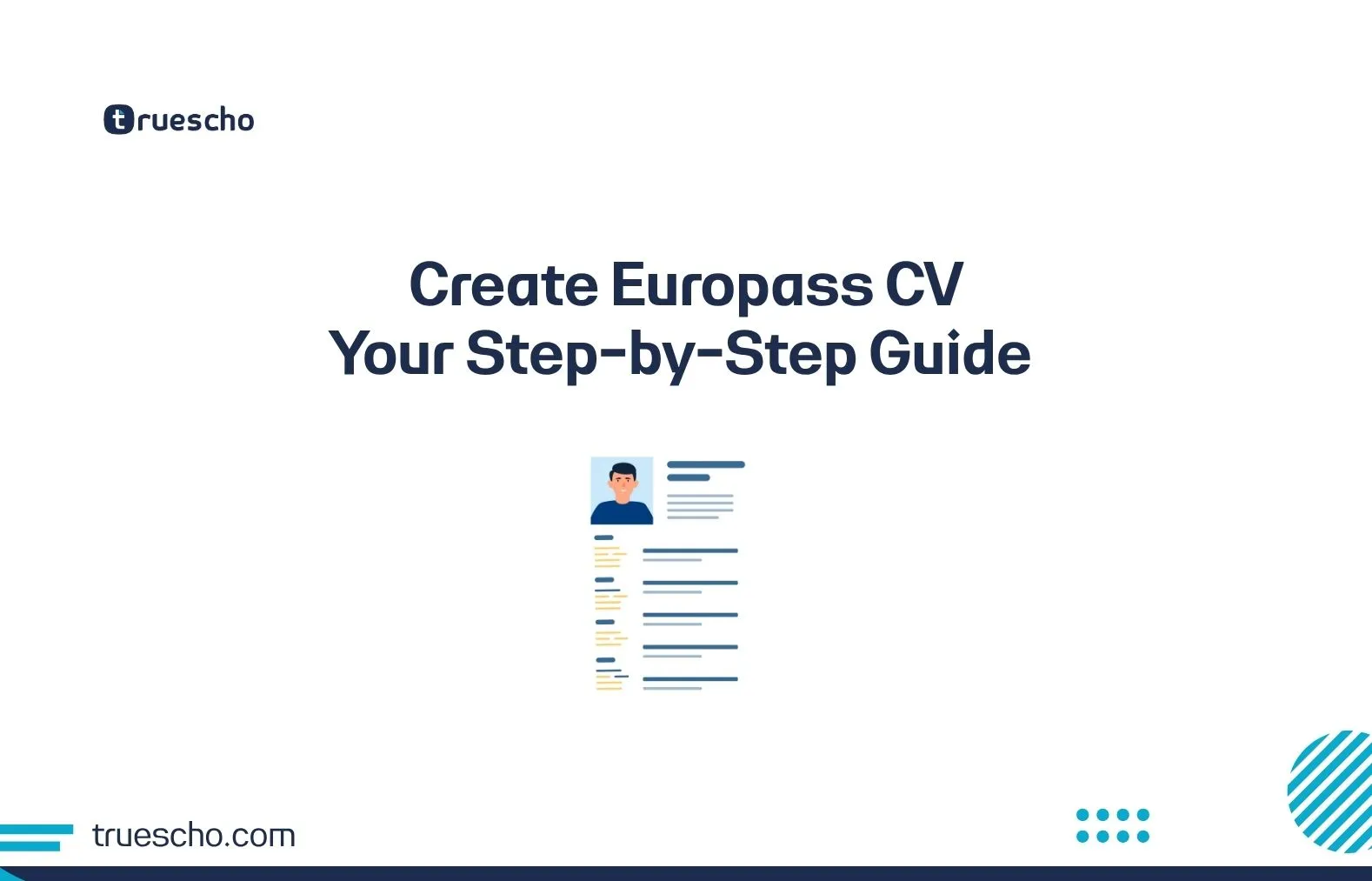
The Europass CV is one of the Europass suite of tools developed by the European Union to help people manage their careers and studies. It offers a standardized template for a curriculum vitae (CV) that is clearly understood by employers and educational institutions across Europe. Its structured format ensures that your skills and qualifications are presented consistently, making it easier for assessors to evaluate your application.
Also Check:
Seoul National University Scholarship Guide
Benefits of Using the Europass CV to Create Europass CV
- Standardization and Recognition: Widely accepted and often preferred by European employers and academic institutions.
- User-Friendly Online Tool: The official Europass portal provides a free and intuitive platform to build, update, and store your CV.
- Multiple Language Options: You can create your CV in up to 31 European languages, which is crucial when applying in different countries.
- Comprehensive Structure: Guides you to include all relevant information, from personal details to specific skills.
- Digital and Shareable: Easily download as a PDF, store in your Europass library, and share with potential employers or through platforms like EURES.
Step-by-Step Guide: How to Create Your Europass CV Online
- Visit the Official Europass Portal: Navigate to europass.europa.eu/en/create-europass-cv. This is the starting point to Create Europass CV.
- Create Your Europass Profile (Recommended): While you can create a CV as a guest, registering and creating a Europass profile allows you to save your information, create multiple CV versions, store supporting documents, and access other Europass tools.
- Start Creating Your CV: Click on the option to ‘Create new CV’. You can choose to build it from your profile (if registered) or start from scratch.
- Fill in Personal Information: Enter your name, contact details, address, nationality, etc.
- Detail Work Experience: For each role, list the employer, dates, responsibilities, and key achievements. Use action verbs and quantify your accomplishments where possible.
- Add Education and Training: Include qualifications, institutions, and dates. List them in reverse chronological order.
- List Language Skills: Use the Common European Framework of Reference for Languages (CEFR) self-assessment grid (Listening, Reading, Spoken interaction, Spoken production, Writing). Be honest about your proficiency levels (A1, A2, B1, B2, C1, C2).
- Showcase Digital Skills: Detail your proficiency with software, programming languages, online tools, etc.
- Include Communication and Interpersonal Skills: Briefly describe skills like teamwork, leadership, problem-solving, adaptability.
- Add Optional Sections: The Europass CV allows for additional sections such as Projects, Publications, Conferences, Honours and Awards, Volunteering, and References. Utilize these to further strengthen your profile.
- Choose a Template and Preview: Europass offers a few standard templates. Select one, preview your CV, and make any necessary adjustments.
- Download, Store, and Share: Once satisfied, download your CV as a PDF. If registered, save it to your Europass library. You can then share it directly or upload it to job application portals.
Tips for an Effective Europass CV
- Tailor to Each Application: Modify your CV to highlight the skills and experiences most relevant to the specific job or course you are applying for.
- Be Concise and Clear: Use clear language and bullet points for readability. Avoid jargon where possible.
- Use Keywords: Incorporate keywords from the job description or course requirements.
- Proofread Meticulously: Check for any grammatical errors or typos before submitting. Consider asking someone else to review it.
- Keep it Updated: Regularly update your Europass CV with new experiences and skills.
Also Check:
Liverpool John Moores University Scholarships
Europass CV vs. Other CV Formats: A Quick Comparison
- Europass CV: Strengths include its standardization across Europe, comprehensive structure, and free online tool. It’s particularly good when applying for public sector jobs or academic programs in the EU. However, some find its format a bit rigid and less visually appealing than custom designs.
- Chronological/Functional/Combination CVs: Offer more flexibility in design and content presentation. They can be better for creative industries or when you want to highlight specific skills over a strict timeline. However, they might be less familiar to some European recruiters who prefer the Europass format. For more insights on general CV writing, see our CV and Resume Writing section.

FAQ: Creating Your Europass CV
Q1: Is the Europass CV mandatory for applying to jobs/studies in Europe?
A1: Not always mandatory, but it is highly recommended and often preferred, especially by public institutions and in certain countries or sectors. Some employers might specifically request it.
Q2: Can I create a Europass CV in languages other than English?
A2: Yes, the Europass online tool supports creating a CV in up to 31 European languages.
Q3: How often should I update my Europass CV?
A3: It’s good practice to update your CV whenever you gain new significant experience, skills, or qualifications, and always before sending it out for a new application.
Q4: Can I attach a photo to my Europass CV?
A4: The Europass CV template has an option to include a photo. However, whether to include one depends on the country’s conventions (e.g., common in Germany, less so in the UK or Ireland). Research the norms for the country you’re applying to.
Q5: What are the other tools available on the Europass portal?
A5: Besides the CV builder, Europass offers tools for creating a Cover Letter, tracking applications, assessing your skills (Digital Skills Test), and storing documents in your Europass Library. It also helps you find jobs and courses.
Also Check:
Edinburgh Napier University Scholarships
Conclusion
Mastering how to Create Europass CV is a valuable asset for anyone looking to explore opportunities in Europe. By following this guide and utilizing the official Europass portal, you can craft a professional, standardized CV that effectively showcases your qualifications. Start creating your Europass CV today and open doors to your European career or academic journey! This skill is also vital when applying for international internships.
Author Bio: The Team at Scholars Truescho is dedicated to providing students with the latest information on scholarships, internships, and study abroad opportunities.