Europass Create CV | Comprehensive Step-by-Step Guide
Discover how to build a professional Europass Create CV using free templates, expert tips, and an easy online builder. Our guide is designed to help job seekers, students, and professionals achieve a standardized and comprehensive resume for European job applications.
Table of Contents
- Introduction to the Europass CV
- Step-by-Step Guide: How to Create a Europass CV
- Step 1: Access the Europass CV Builder
- Step 2: Enter Your Personal Information
- Step 3: Add Your Education and Training
- Step 4: Include Your Work Experience
- Step 5: Highlight Your Skills and Achievements
- Tips for Creating a Standout Europass CV
- 1. Highlight Relevant Skills
- 2. Tailor Your CV for Every Application
- 3. Maintain Clarity and Simplicity
- 4. Incorporate Industry Keywords
- 5. Use High-Quality Templates
- Available Templates and Additional Resources
- Prices and Comparative Services
- Frequently Asked Questions (FAQs)
- What is the Europass CV?
- How do I create a Europass CV?
- Can I use the Europass CV for non-EU applications?
- Which file formats are available for download?
- Conclusion
- Sources
Introduction to the Europass CV
The Europass Create CV format is an internationally recognized resume developed by the European Union. It simplifies the application process by presenting your skills, education, and work experience in a clear and consistent manner—ideal for applications across Europe. Whether you are a student, recent graduate, or seasoned professional, the Europass Create CV ensures that your qualifications stand out in a competitive job market.
This standardized approach makes it easier for employers to quickly review and understand your career profile, while also ensuring that your application meets the expectations of various European institutions. With many free tools and templates available, building your Europass Create CV has never been simpler or more accessible.
Step-by-Step Guide: How to Create a Europass CV
Follow these easy steps to create an ATS-friendly and visually appealing Europass CV:
Step 1: Access the Europass CV Builder
Begin your journey by visiting the official Europass website. If you do not already have an account, sign up for one at no cost. Once you are logged in, click on the “Create a Europass CV” button to initiate the process. This intuitive online builder allows you to create, save, and share your CV quickly and securely.
Step 2: Enter Your Personal Information
- Basic Details: Provide your full name, contact information, physical address, and a professional email address.
- Professional Photo: Upload a high-quality photo if the role you are applying for requests one. A professional image can enhance your initial impression.
Step 3: Add Your Education and Training
Document your educational background, beginning with your most recent qualification and working backward in reverse chronological order. Include crucial details such as the institution’s name, dates attended, and any degrees, diplomas, or certifications earned. This section is essential for illustrating your academic foundation and readiness for new opportunities.
Step 4: Include Your Work Experience
- Job Title & Employer: Clearly state your position and the employer’s name.
- Key Responsibilities: Use bullet points to succinctly describe your main responsibilities and achievements for each role.
- Employment Dates: Accurately note the start and end dates of each employment period to provide a clear career timeline.
Step 5: Highlight Your Skills and Achievements
Dedicate a section to your core competencies and achievements. Include language proficiencies, computer skills, and any additional abilities relevant to the job you are applying for. Highlight awards, certifications, or professional recognitions that can differentiate you from other candidates.
Tips for Creating a Standout Europass CV
Here are some best practices to ensure your Europass CV makes a remarkable impact:
1. Highlight Relevant Skills
Customize your resume for each application by emphasizing skills that align with the job description. Use dynamic and action-oriented verbs such as “managed,” “developed,” and “optimized” to describe your experiences and achievements.
2. Tailor Your CV for Every Application
Revise the “About Me” or personal statement section to reflect the specific role or industry you are targeting. Keep your narrative concise and focused on key strengths that match the job requirements.
3. Maintain Clarity and Simplicity
Ensure that your CV is easy to scan by using clear headings, bullet points, and simple language. Review your document thoroughly for grammatical errors and spelling mistakes. Remember, a clear and error-free CV is a reflection of your professionalism.
4. Incorporate Industry Keywords
Many employers use Applicant Tracking Systems (ATS) to screen resumes. To improve your chances of making it past these filters, integrate keywords relevant to your field and the specific job listing.
5. Use High-Quality Templates
Leverage free templates and tools available on the official Europass site, or explore third-party options like KudosWall’s AI Europass CV Builder. These tools not only simplify the process but also ensure that your CV is optimized for both ATS and human reviewers.
You can also read : CV Europass Romana
Available Templates and Additional Resources
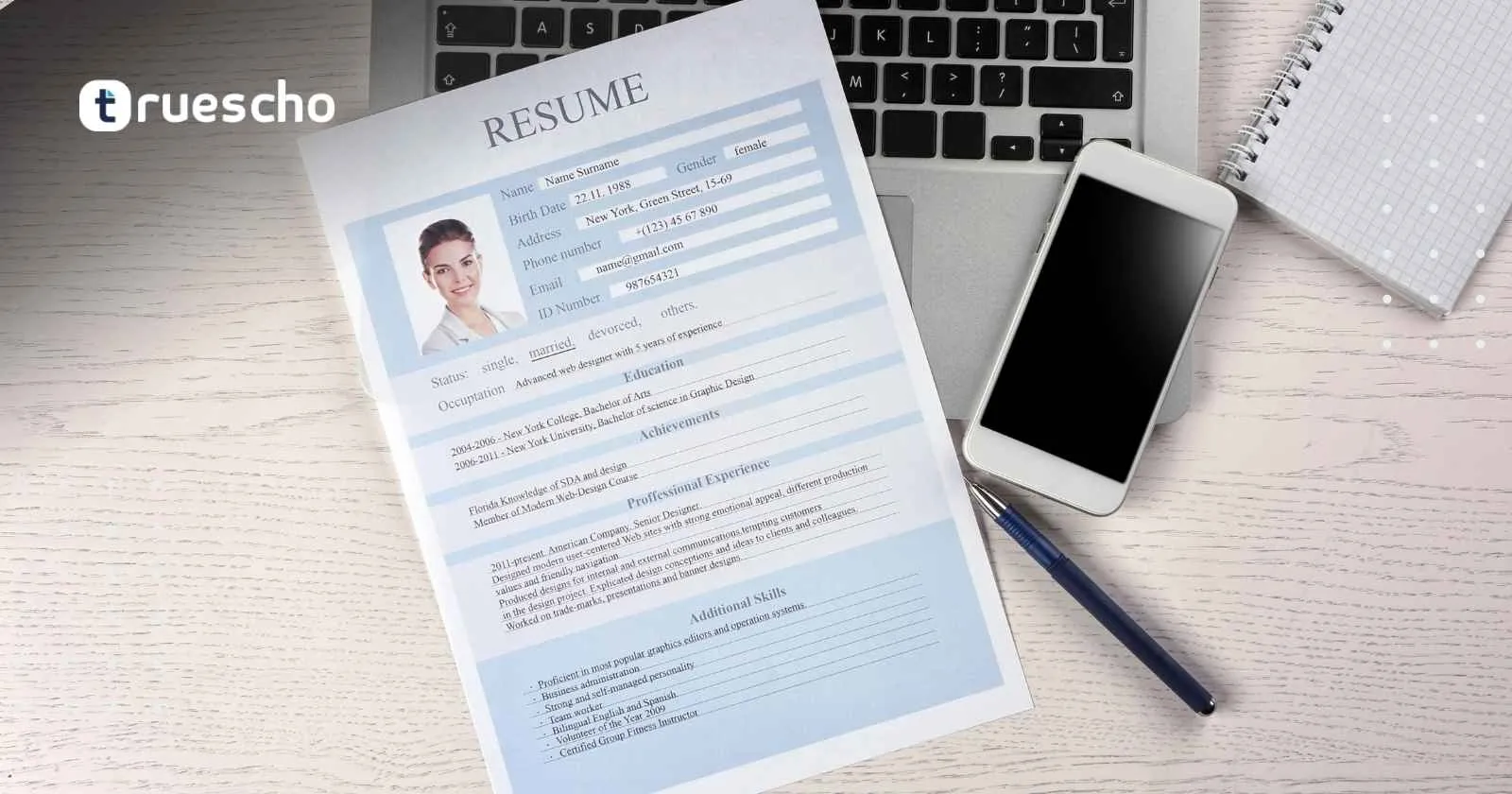
You can find a wide range of Europass Create CV templates on the official Europass website and through reputable third-party platforms. These templates are designed to maintain the integrity of the Europass Create CV format while offering customizable layouts that suit your personal style. Whether you prefer editing your Europass Create CV in PDF or Word format, these templates provide the flexibility you need to craft a polished and professional resume.
For an enhanced experience, consider using advanced tools that support Europass Create CV workflows with AI-powered resume optimization. This ensures your CV not only meets formal requirements but also stands out in competitive applicant pools, increasing your chances of success.
Prices and Comparative Services
While most tools for creating a Europass CV are free, some third-party services offer premium features for a fee. Here’s a quick comparison:
| Service | Price | Features |
|---|---|---|
| Europass Official | Free | Online CV creation with download options in PDF or Word |
| KudosWall AI Builder | Free Trial, Paid Plans | AI-powered optimization with ATS-friendly templates |
Frequently Asked Questions (FAQs)
What is the Europass CV?
The Europass CV is a standardized resume format endorsed by the European Union. It offers a clear and consistent way to present your personal, educational, and professional information—making it easier for employers to assess your qualifications.
How do I create a Europass CV?
You can easily create a Europass CV online by using the official Europass website or third-party tools like KudosWall’s AI Europass CV Builder. The process involves entering your personal details, education, work experience, and key skills.
Can I use the Europass CV for non-EU applications?
While the Europass CV has been designed primarily for European job applications, its standardized format and clear structure make it a valuable tool in global job markets. You can adapt it to suit applications in other regions by adjusting the content to meet local expectations.
Which file formats are available for download?
Once your Europass CV is complete, you can download it in both PDF and Word formats. This flexibility allows you to easily share your resume with employers and upload it to various job application portals.
You can also read : Europass CV Template Edit
Conclusion
Building a Europass Create CV is a straightforward yet powerful way to present your professional profile in a standardized, employer-friendly format. Whether you are beginning your career or seeking new professional challenges, a well-crafted Europass Create CV can open doors to exciting opportunities across Europe and beyond.
By leveraging free online tools and following our step-by-step guide, you can quickly create an ATS-friendly Europass Create CV that highlights your strengths and aligns with the expectations of European employers. Remember to tailor your Europass Create CV for every application, integrate essential keywords, and keep the content clear, concise, and professional.