Create Your Online Europass CV : The Ultimate Guide
The Online Europass CV is a well-established, standardized format endorsed by the European Union for job applications, education, and training opportunities. Its uniform structure simplifies the process for employers and educational institutions by allowing easy comparison of qualifications across countries. By using the official Online Europass CV builder, you not only create a professional CV but also ensure that your document is compatible with Applicant Tracking Systems (ATS) – a crucial factor for modern recruitment.
Whether you are a seasoned professional or a recent graduate, constructing an ATS-friendly Online Europass CV can significantly improve your chances of landing an interview. The online tools provided by Europass make it simple to create, update, and download your Online Europass CV in various formats such as PDF or Word, ensuring that your application stands out in today’s competitive market.
You can also read : CV Europass Europe Resume Format
Table of Contents
- Key Benefits of Using a Europass CV
- Step-by-Step Guide to Creating Your Online Europass CV
- Step 1: Visit the Official Europass Website
- Step 2: Set Up Your Europass Profile
- Step 3: Add Your Work Experience
- Step 4: Include Skills and Certifications
- Step 5: Choose Your Template and Download
- Best Practices for an ATS-Friendly Europass CV
- Additional Tips to Enhance Your Europass CV
- Professional Resume Builder
- Frequently Asked Questions (FAQ)
- What is the Europass CV?
- How do I ensure my Europass CV is ATS-friendly?
- Is it necessary to create an account on the Europass website?
- Conclusion
- Sources
Key Benefits of Using a Europass CV
- Standardized Format: Employers across Europe immediately recognize the layout, reducing the time spent on reviewing applications.
- User-Friendly Interface: The Europass platform offers an intuitive tool that allows you to create and update your CV quickly without any design skills.
- ATS Compatibility: With a focus on simplicity, the Europass CV helps your resume pass through automated screening systems that rely on keyword matching and simple formatting.
- Multi-format Downloads: Save your CV as a PDF or Word document, making it easy to send and print when necessary.
Step-by-Step Guide to Creating Your Online Europass CV
Step 1: Visit the Official Europass Website
- Access the Europass Platform: Begin your journey by visiting the official Europass website.
- Create an Account: Register for a free account to enable saving and editing your CV. This ensures you can come back and update your profile as needed.
Step 2: Set Up Your Europass Profile
- Enter Personal Details: Complete your profile with essential personal information such as name, date of birth, nationality, and contact details.
- Add Education and Training: List your educational background, degrees, certifications, and any relevant courses. Remember to convert qualifications for international applications if necessary.
Step 3: Add Your Work Experience
- Detail Your Experience: Start with your most recent employment. Document your job titles, employer names, tenure, and major achievements.
- Highlight Achievements: Use robust action verbs and specific numerical accomplishments to showcase success in your roles.
Step 4: Include Skills and Certifications
- Technical and Hard Skills: List relevant software proficiencies, language skills, and industry-specific competencies.
- Soft Skills and Personal Attributes: Demonstrate qualities like teamwork, leadership, or problem-solving with concrete examples from your career.
Step 5: Choose Your Template and Download
- Select a Template: Explore the various Europass templates available that suit your industry and career level.
- Download Your CV: Save your final Europass CV in your preferred format (PDF or Word) for easy submission.
You can also read : Europass CV Example Student
Best Practices for an ATS-Friendly Europass CV
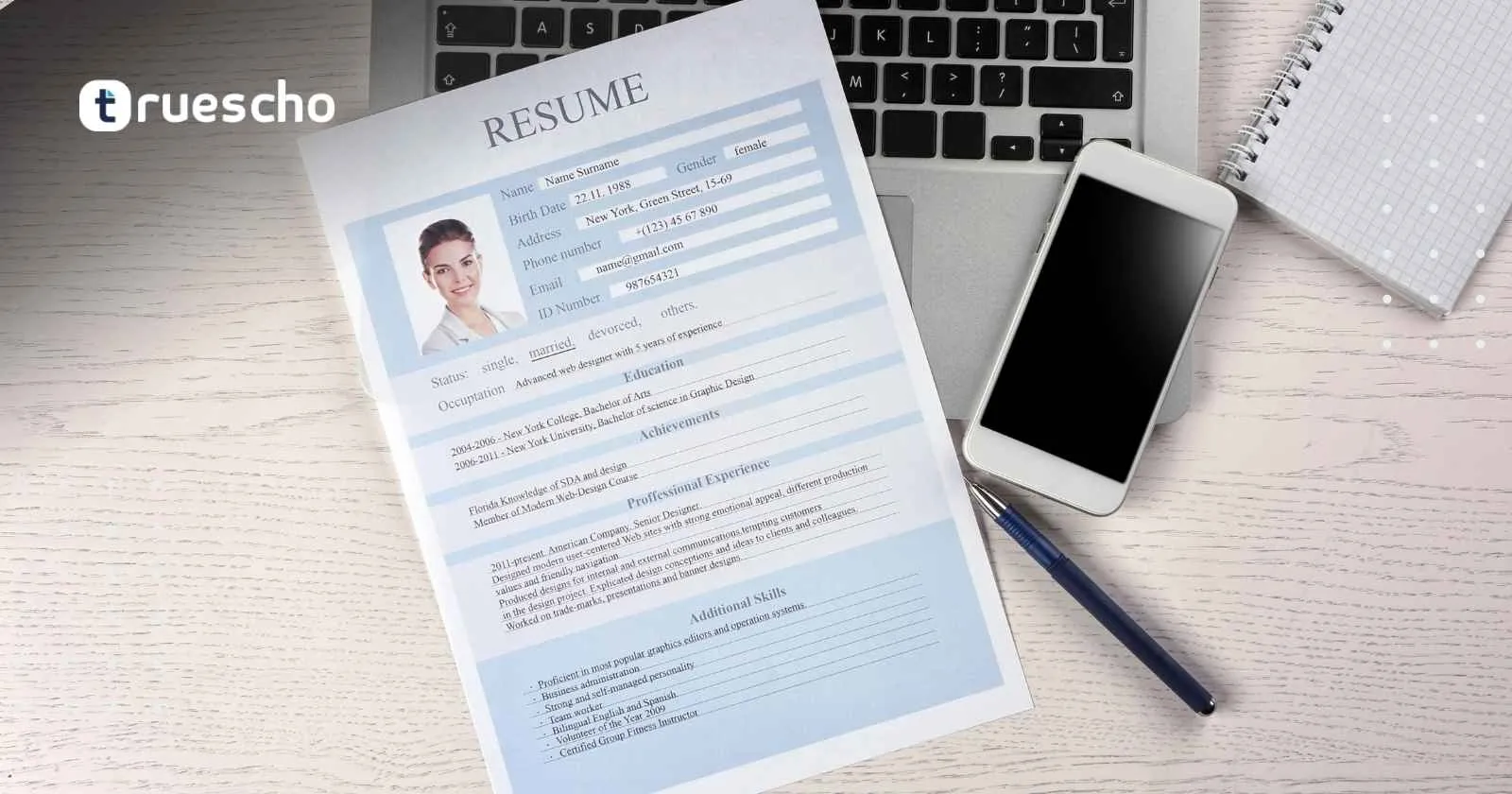
Modern recruitment processes often utilize Applicant Tracking Systems (ATS) that scan and sort CVs before a human ever reviews them. To maximize the visibility and effectiveness of your Europass CV in these systems, consider the following strategies:
- Reverse Chronological Order: Always list your most recent work experience first to catch the recruiter’s attention.
- Simple, Clean Layout: Avoid using images, charts, or complex formatting that might disrupt the ATS parsing process.
- Professional Fonts: Stick with easily readable fonts such as Arial, Calibri, or Helvetica for consistency and clarity.
- Keyword Optimization: Use industry-specific keywords and phrases that match the job description. This helps the ATS identify your CV as a relevant match.
By adhering to these guidelines, you not only improve your CV’s compatibility with ATS software but also make it easier for human recruiters to review your achievements.
Additional Tips to Enhance Your Europass CV
Beyond formatting for ATS, your Europass CV should tell a compelling story about your career. Here are some extra recommendations:
- Tailor Your CV: Customize the content of your CV based on the job you are applying for. Highlight relevant skills and experience that match the specific requirements of the role.
- Proofread Thoroughly: Ensure that your CV is free of typos and grammatical errors. A well-polished document reflects your attention to detail.
- Use Action-Oriented Language: Describe your achievements and responsibilities with dynamic verbs and clear outcomes.
- Keep It Concise: While it’s important to cover all relevant information, try to keep your CV focused and avoid unnecessary details.
- Seek Feedback: Consider asking a friend or career coach to review your CV. An external perspective can help identify areas for improvement.
You can also read : CV Europass Romana
Professional Resume Builder
Create your resume professionally in minutes using our advanced resume building tool. Experience a seamless process to design, edit, and download your Europass CV with ease.
Frequently Asked Questions (FAQ)
What is the Europass CV?
The Europass CV is a standardized curriculum vitae format developed by the European Union. It streamlines the process of presenting your qualifications in a consistent manner, making it easier for employers and educational institutions to evaluate your skills and experiences.
How do I ensure my Europass CV is ATS-friendly?
To make your Europass CV ATS-friendly, use a reverse chronological format, avoid complex graphics and images, adhere to a clean and simple layout, and utilize professional fonts. Also, incorporate relevant keywords from the job descriptions.
Is it necessary to create an account on the Europass website?
While you can technically build a Europass CV without an account, creating one allows you to save your progress and easily update or edit your CV for future applications.
Conclusion
Creating an Online Europass CV is a practical and efficient solution for job seekers and students looking to succeed in the European job market. The official Online Europass CV builder simplifies the process, ensuring your resume is both aesthetically appealing and fully compliant with ATS systems. By following our comprehensive guide—from setting up your profile to optimizing your document for ATS—you can confidently present your qualifications and experience through an effective Online Europass CV.
Whether you are applying for a position in a multinational corporation or pursuing educational opportunities, a well-structured Online Europass CV can be your ticket to success. Embrace the clarity and standardization that Europass offers, and take advantage of the powerful features available through the Online Europass CV platform to stay ahead in today’s competitive landscape.