How To Download My CV From Europass | Step‑by‑Step Guide
Table of Contents
- How To Download My CV From Europass |
- Step-by-Step Process to Download Your Europass CV
- Step 1: Access the Europass Website
- Step 2: Navigate to Your CV Dashboard
- Step 3: Choose Your Desired Download Format
- Step 4: Save Your CV and Backup
- Why Use a Europass CV?
- Additional Tools to Enhance Your Europass CV
- Conclusion
- You can also read :
- Professional Resume Builder
- Sources
How To Download My CV From Europass |
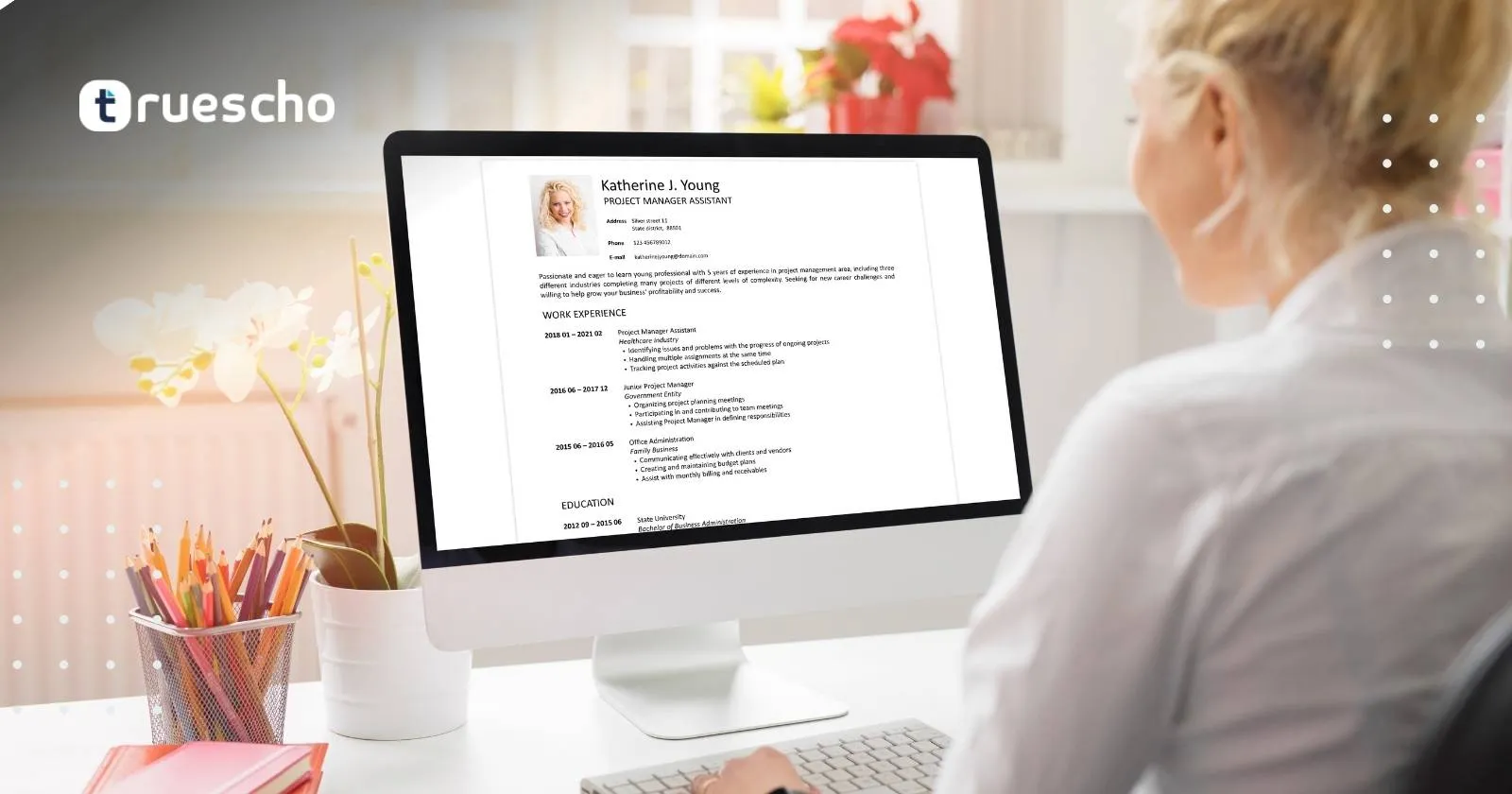
The Europass CV is a free, user-friendly tool provided by the European Union to help job seekers create a consistent and professional curriculum vitae. This format is highly recognized by employers and ensures that your skills, experience, and qualifications are presented in an easy-to-read layout. Whether you’re applying across different EU nations or simply streamlining your application process, the Europass CV provides a reliable and standardized template that enhances your job prospects.
With technological advancements and the increasing reliance on Applicant Tracking Systems (ATS), it is imperative that your CV adheres to clear formatting and is easily parsable by automated systems. The Europass CV meets these requirements while offering a diverse range of download options – from PDF to Word or XML – which allows you to tailor your application for both human and digital review.
Step-by-Step Process to Download Your Europass CV
Follow these straightforward steps to download your Europass CV and ensure that it’s ready to impress potential employers:
Step 1: Access the Europass Website
- Open Your Web Browser: Start by launching your preferred web browser. In the search bar, type “Europass CV” or navigate directly to the official Europass website.
- Log In or Create an Account: If you have an existing account, simply log in with your credentials. If not, register quickly by providing your email address and creating a password. This account will allow you to manage, update, and download your Europass CV at any time.
Step 2: Navigate to Your CV Dashboard
- Access Your Dashboard: Once logged in, you will be directed to your personal Europass dashboard. Here you can view your created CVs and access all editing functions.
- Select the Appropriate CV: If you have multiple CV versions, select the one you wish to download. This interface is designed for simplicity and efficiency, allowing you to keep track of all your documents.
Step 3: Choose Your Desired Download Format
- Select Download or Export Option: Look for the “Download” or “Export” button on your CV page. Europass typically provides several formats including PDF, Microsoft Word, and XML. We recommend PDF for a secure, uneditable version or Word for further customization.
- Confirm Your Selection: After selecting your preferred format, confirm the download. Your browser will prompt you to choose a save location on your computer.
Step 4: Save Your CV and Backup
- Download Locally: Save your CV on your local computer or external storage. This step ensures you always have offline access to your document.
- Save to Your Europass Library: It’s a good idea to also save your CV in your Europass library. This enables quick access for any future edits or downloads without the need to recreate your CV.
Why Use a Europass CV?
There are several compelling reasons to use a Europass CV when applying for jobs in Europe:
- Standardization: The Europass format is internationally recognized. Its standardized layout enables employers from different countries to compare candidate profiles with ease.
- ATS-Friendly Structure: The clean and precise design of the CV ensures that important keywords and professional information are easily detected by Applicant Tracking Systems.
- Cost-Free Templates: Europass offers a range of free templates and examples. This means you can build a polished, professional CV without incurring any costs.
- User-Friendly Interface: Even if you are not tech-savvy, the intuitive design of the Europass website makes creating and downloading your CV simple and hassle-free.
- Consistent Branding: Employers appreciate the consistency of a standardized CV format during recruitment. Still, it also lets you clearly highlight your unique skills and achievements.
These benefits, combined with the ease of use, explain why millions of job seekers trust Europass for building their career profiles.
Additional Tools to Enhance Your Europass CV
To further streamline your job application process or to add a creative twist to your CV, consider exploring additional tools designed to complement the Europass format. One excellent resource is the AI-powered CV Builder.
Tools like KudosWall’s AI CV Builder provide advanced functionalities, such as intelligent formatting suggestions and ATS optimization tips. These tools analyze your provided details and tailor your CV to meet modern recruitment requirements.
Conclusion
In conclusion, downloading your CV is a straightforward process that can significantly enhance your job search in Europe. By following this detailed step-by-step guide, you can easily access your professionally formatted CV in various file formats suitable for both digital and print use. Remember to save your CV both locally and within your Europass library to ensure that your document is always up-to-date and readily available.
You can also read :