How To Make Europass CV And Cover Letter Free
Table of Contents
- Why Choose Europass?
- How to Create a Free Europass CV
- Step 1: Access the Europass CV Builder
- Step 2: Fill in Your Personal Information
- Step 3: Add Work Experience
- Step 4: Include Your Education
- Step 5: List Relevant Skills
- Step 6: Customize Your CV for the Job
- Step 7: Review and Download
- How to Create a Free Europass Cover Letter
- Step 1: Access the Europass Cover Letter Builder
- Step 2: Write a Strong Introduction
- Step 3: Highlight Your Suitability
- Step 4: Explain the Company Fit
- Step 5: Maintain a Formal Tone and Clear Structure
- Step 6: Review and Download
- Free Europass CV and Cover Letter Templates
- Europass vs. Other Free CV/Cover Letter Builders
- Top Tips for an ATS-Friendly Europass CV and Cover Letter
- Additional Best Practices for Job Applications
- You can also read :
- Frequently Asked Questions
- Is Europass free to use?
- Can I edit my Europass CV and cover letter after downloading?
- Is Europass accepted by employers outside Europe?
- About the Author
- Conclusion
- Professional Resume Builder
- Sources
Why Choose Europass?
- Widely Recognized: Employers and academic institutions across Europe trust Europass for its clarity and standardization.
- User-Friendly Online Builder: Easily create, edit, and download your CV and cover letter in minutes.
- Multilingual Support: With support for up to 31 languages, Europass is perfect for international applications.
- ATS-Friendly Format: Its simple, structured design ensures compatibility with Applicant Tracking Systems, improving your chances during the screening process.
How to Create a Free Europass CV
Follow this step-by-step guide to create your Europass CV for free. Our detailed instructions will help you build a professional CV that highlights your qualifications and achievements.
Step 1: Access the Europass CV Builder
Begin by visiting the official Europass website and select the option to “Create your Europass CV.” The online builder is intuitive and will walk you through each section, ensuring you do not miss any essential details.
Step 2: Fill in Your Personal Information
Input your contact details such as your full name, email address, and phone number. For privacy reasons and to maintain a concise CV, avoid including unnecessary information like your full residential address.
Step 3: Add Work Experience
Document your work experience by listing your most recent roles first. The preferred format in Europe is reverse chronological order. Include job titles, employer names, employment dates, and a summary of your key responsibilities and achievements. Be specific: use bullet points and include quantifiable outcomes when possible.
Step 4: Include Your Education
Detail your educational background including degrees, certifications, and any relevant training. When applying internationally, it helps to include the equivalency of your local grading system so employers easily understand your academic qualifications.
Step 5: List Relevant Skills
Separate your skills into core technical competencies and soft skills. Hard skills might include software proficiency, language abilities, or certifications, while soft skills can encompass communication, teamwork, and leadership abilities. Illustrate your soft skills with examples drawn from your academic or professional experiences.
Step 6: Customize Your CV for the Job
Tailor your CV for each job application by aligning it with the specific requirements outlined in the job description. Use appropriate keywords to match the vacancy, ensuring that your application resonates with the employer’s needs.
Step 7: Review and Download
Before finalizing, meticulously check your CV for any spelling or formatting errors. Selecting a professional font (typically 10–12pt for the body and 14–16pt for headings) is highly recommended. Once reviewed, download your Europass CV in PDF format or another widely accepted document type.
How to Create a Free Europass Cover Letter
Alongside your CV, a well-crafted cover letter can significantly bolster your application. The Europass cover letter builder streamlines the process, guiding you through each section to create a persuasive narrative that complements your CV.
Step 1: Access the Europass Cover Letter Builder
Head over to the Europass website and click on the “Create your Europass Cover Letter” option. The tool breaks down the cover letter into manageable sections, ensuring that you present a coherent and professional message.
Step 2: Write a Strong Introduction
Begin your cover letter by clearly stating your motivation for applying. Provide a brief introduction that encapsulates your professional aspirations and outlines why you are interested in the particular role or organization.
Step 3: Highlight Your Suitability
The body of your cover letter should focus on showcasing your skills and experiences that make you the ideal candidate. Reference concrete examples from your CV and correlate these with the job requirements. This approach highlights your relevant expertise in a way that is easy for hiring managers to understand.
Step 4: Explain the Company Fit
Conduct thorough research on your prospective employer and mention specifics about the company culture, mission, or values in your cover letter. This demonstrates that you are not only interested in the position but also in aligning with the company’s ethos.
Step 5: Maintain a Formal Tone and Clear Structure
Keep your language formal yet engaging. Divide your cover letter into concise paragraphs, each focusing on a single idea. It is advisable to limit your cover letter to one page, using a standard font size (11–12pt) and acceptable line spacing (1 or 1.5).
Step 6: Review and Download
After drafting your cover letter, review it for accuracy, clarity, and consistency. Once satisfied with the content and formatting, download your document. Remember, you can always update your cover letter later by accessing it in your Europass Library.
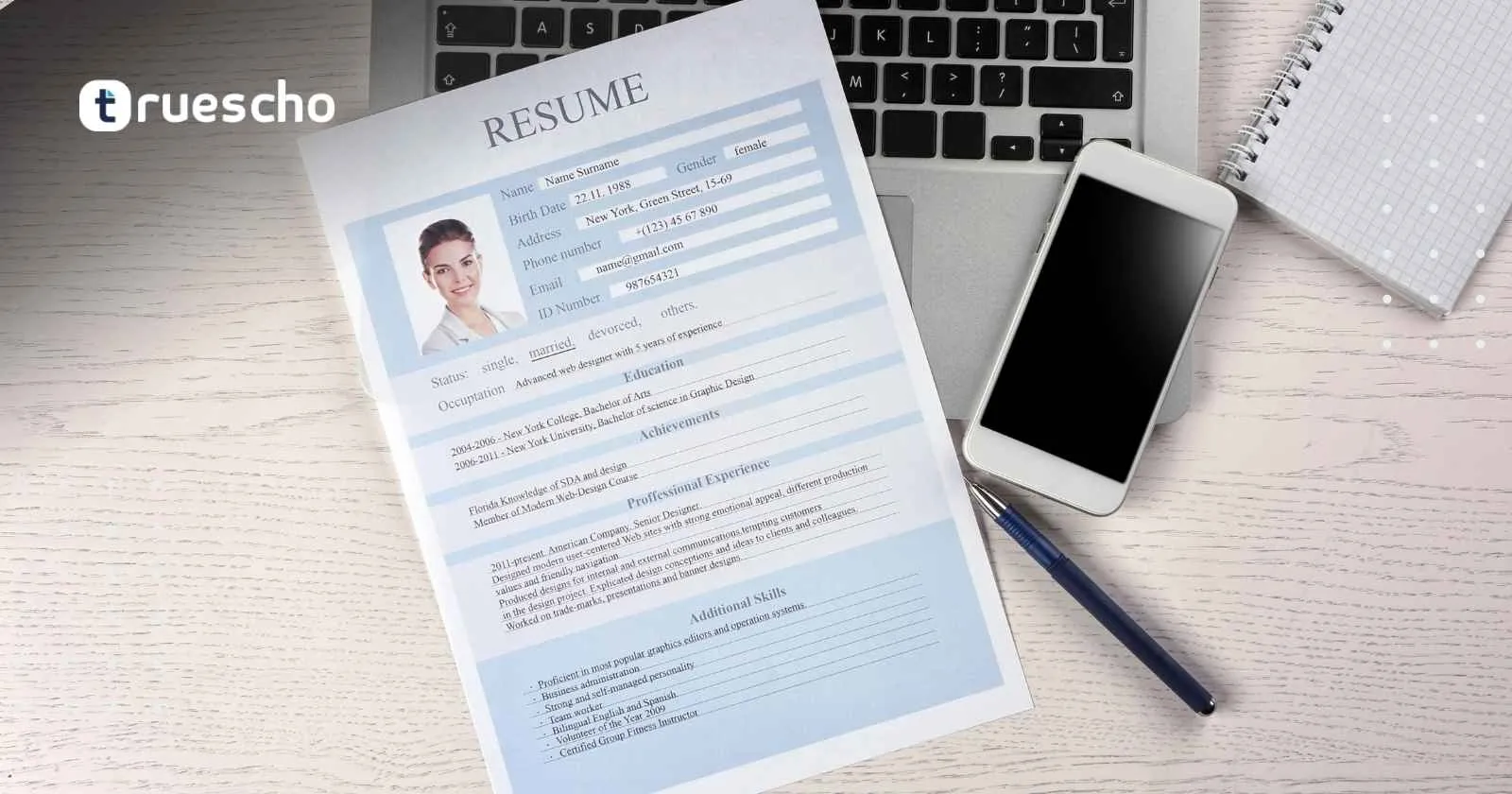
Free Europass CV and Cover Letter Templates
One of the greatest advantages of Europass is its availability of free templates. These templates not only provide a professional layout but are also available in multiple languages:
- Official Europass Templates: The built-in online builder generates official templates that are internationally recognized.
- Third-Party Templates: While sites like ResumeGenius and MyPerfectResume offer free downloadable templates for Microsoft Word and Google Docs, Europass remains the gold standard for European applications.
- Sample Documents: Numerous online tutorials and video guides illustrate step-by-step instructions, offering downloadable sample documents for additional guidance.
Europass vs. Other Free CV/Cover Letter Builders
| Feature | Europass | ResumeGenius | MyPerfectResume |
|---|---|---|---|
| Free Templates | Yes | Yes | Yes |
| Online Builder | Yes | Yes | Yes |
| ATS-Friendly | Yes | Yes | Yes |
| Multilingual Support | Yes (31 languages) | No | Limited |
| Recognized in Europe | Yes | No | No |
| Price | Free | Free/Paid options | Free/Paid options |
Top Tips for an ATS-Friendly Europass CV and Cover Letter
- Use Keywords: Carefully study the job description and incorporate industry-specific keywords throughout your documents.
- Simplify Your Formatting: Avoid the use of images, graphics, or complex layouts that may hinder ATS compatibility.
- Stay Concise: Aim for a maximum of two pages for your CV and one page for your cover letter to keep your message direct and compelling.
- Customize Every Application: Tailor your CV and cover letter for each job application, emphasizing the requirements mentioned in the vacancy.
- Proofread Thoroughly: Make sure to eliminate any spelling or grammatical errors before submitting your application.
Additional Best Practices for Job Applications
Beyond the construction of your CV and cover letter, it is essential to adopt a holistic approach toward your job application. Begin by researching the industrial trends and understanding what recruiters are searching for. Enhance your online presence through professional networking sites and consider improving your LinkedIn profile to complement your Europass documents.
Investing time in networking and gaining industry insights can have a significant positive impact on your job search. Many successful candidates find that a combination of a well-crafted Europass CV, a personalized cover letter, and a strong online professional profile creates the ideal trifecta for landing an interview.
You can also read :
Frequently Asked Questions
Is Europass free to use?
Absolutely. Both the Europass CV and cover letter builders are completely free to use, and they provide a professional, standardized format recognized across Europe.
Can I edit my Europass CV and cover letter after downloading?
Yes, the documents can be saved and edited afterward within your Europass Library. This feature allows you to update your information whenever necessary.
Is Europass accepted by employers outside Europe?
Europass is primarily recognized in Europe. However, its clear and professional format can be appreciated internationally, especially by companies familiar with European standards.
About the Author
Our team at YourSiteName comprises seasoned content marketing and SEO experts with years of experience helping job seekers enhance their professional online presence. Our guides incorporate the latest best practices and proven strategies to ensure that your application materials stand out in competitive job markets.
Conclusion
Creating a free Europass CV and cover letter is an effective way to ensure your application meets European standards of clarity and professionalism. By utilizing official templates and following our detailed, step-by-step instructions, you can build a customized, ATS-friendly CV and cover letter that resonates with employers.
Now that you understand the process, it’s time to take the next step. Begin crafting your Europass CV and cover letter today, and unlock new career opportunities across Europe. Remember, every detail matters—from the structure of your CV to the tone of your cover letter, each component helps shape a powerful first impression.
Professional Resume Builder
Create your resume professionally in minutes with our partner tool. Enhance your job applications and make a lasting impression!
For more detailed advice and resources, explore our additional guides and take advantage of the expert tips that have helped countless candidates succeed. Whether you are starting your career or seeking advancement in a competitive industry, our resources are designed to give you a head start.